Category: Artificial Intelligence
Tags:AI debugging, official documentation, embedded systems debugging, STM32F411 debugging, AI toolchain integration, debugging automation, AI troubleshooting, developer productivity, AI-powered debugging tools, technical documentation best practices,
Debugging AI-powered applications, especially in embedded systems like STM32F411, often feels like navigating a maze without a map. Developers face cryptic error messages, unresolved linker script conflicts, and toolchain path inconsistencies that derail progress. While AI tools promise efficiency, their outputs can sometimes add to the confusion rather than resolve it. The missing piece? Official documentation—error logs, README files, and technical specifications—that provides the context AI models need to deliver precise debugging solutions.
Why AI Debugging Feels Like a Wild Goose Chase
AI debugging tools, though advanced, often operate in a vacuum. They rely on generalized knowledge and user-provided queries, which can lead to incomplete or misleading solutions. For instance, an AI might suggest a fix for a linker script error in STM32F411 without knowing the exact compiler version or hardware configuration. This disconnect results in wasted time, repeated errors, and frustration. Official documentation bridges this gap by offering real-world, context-specific data that AI models can use to generate accurate debugging paths.
- Generic AI responses lack precision in embedded systems debugging
- Error logs and README files contain critical details missing in AI outputs
- Toolchain paths and linker scripts require hardware-specific knowledge
- AI tools often fail to recognize compatibility issues without official specs
- Manual debugging is time-consuming and prone to human error
The Power of Feeding AI with Official Documentation
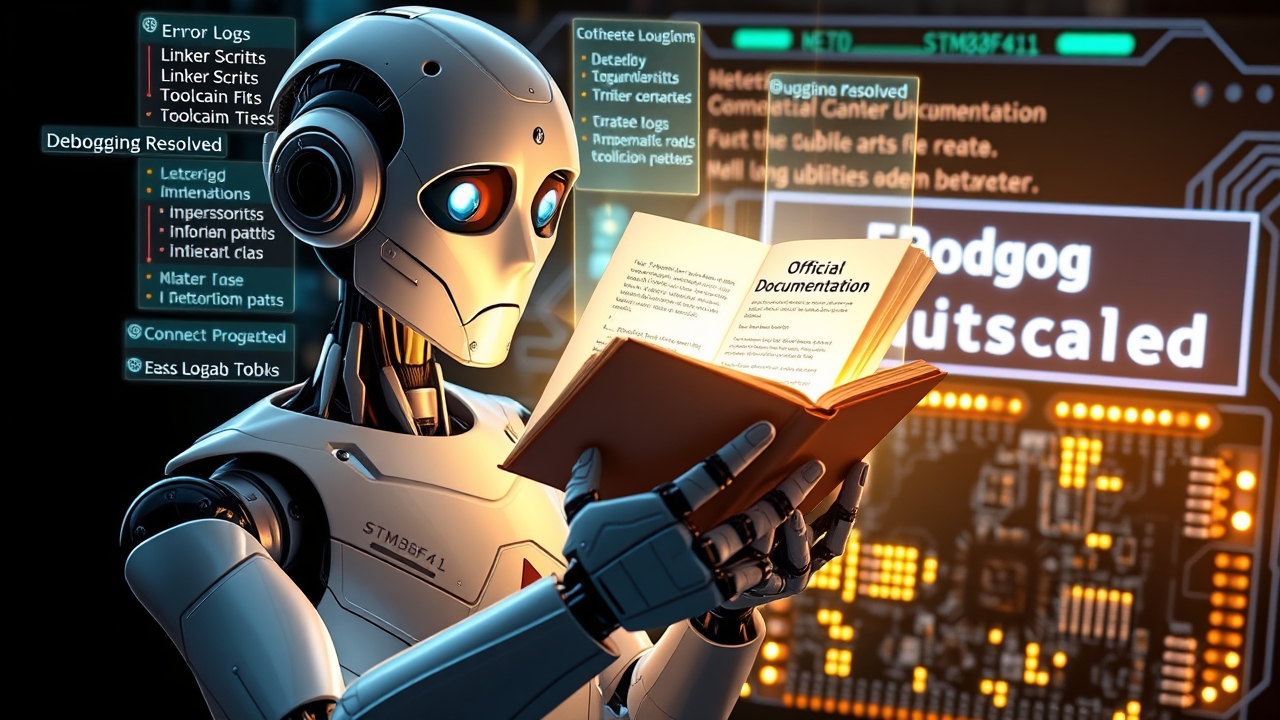
Transforming AI debugging starts with feeding it the right inputs—official documentation. By providing error logs, README files, and technical specifications, you equip the AI with the exact context needed to resolve issues efficiently. For example, when debugging a STM32F411 system, sharing the linker script (e.g., STM32F411RETx_FLASH.ld) and the compiler version (e.g., GCC ARM Embedded 9-2019-q4-major) allows the AI to pinpoint compatibility mismatches or misconfigurations. This approach turns AI from a guessing tool into a precise debugging assistant.
Step-by-Step: How to Use Docs for AI Debugging
Integrating official documentation into your AI debugging workflow involves a few key steps. First, gather all relevant files—error logs, READMEs, datasheets, and linker scripts. Next, feed these documents into your AI debugging tool (e.g., via API or direct upload). The AI will then analyze the data, cross-reference it with its knowledge base, and generate targeted solutions. This method ensures that the AI’s responses are not only accurate but also actionable, reducing the need for trial-and-error debugging.
- Collect error logs, README files, and technical specifications
- Upload documents to AI debugging tools (e.g., GitHub Copilot, custom AI assistants)
- Cross-reference AI suggestions with official docs for validation
- Implement fixes with confidence, backed by documented sources
- Automate repetitive debugging tasks using AI + docs integration
Real-World Example: Debugging STM32F411 with AI + Docs
Consider a scenario where an STM32F411 microcontroller fails to boot due to a misconfigured linker script. A developer inputs the error message into an AI debugging tool but receives a generic suggestion to “check the linker script.” Without context, this advice is unhelpful. However, when the developer uploads the official linker script (STM32F411RETx_FLASH.ld) and the compiler version, the AI identifies a mismatch between the memory regions defined in the script and the actual hardware layout. The AI then provides a corrected script snippet, saving hours of manual debugging.
Tools and Techniques to Streamline AI Debugging
Several tools and techniques can enhance your AI debugging workflow. Version control systems like Git can store documentation alongside code, ensuring AI tools have access to the latest specs. CI/CD pipelines can automate the process of feeding error logs and documentation to AI assistants, providing real-time debugging support. Additionally, integrating documentation tools like Doxygen or Sphinx can generate structured docs that AI can parse more effectively.
- Use Git to version-control documentation alongside code
- Automate AI debugging in CI/CD pipelines for real-time support
- Leverage structured docs (Doxygen, Sphinx) for AI parsing
- Implement logging tools to capture error logs automatically
- Train AI models on proprietary documentation for domain-specific accuracy
Beyond Debugging: AI + Docs for Development and Testing
The benefits of combining AI with official documentation extend beyond debugging. During development, AI can use datasheets and application notes to suggest optimal hardware configurations or peripheral setups. In testing, AI can cross-reference test results with expected outputs from official specs, flagging inconsistencies automatically. This holistic approach not only speeds up development but also improves reliability and reduces the risk of undetected errors.
- Use datasheets for AI-driven hardware configuration suggestions
- Cross-reference test results with official specs for validation
- Automate compliance checks using AI + documentation
- Improve code quality by referencing best practices in READMEs
- Reduce regression risks with AI-validated changes
Common Pitfalls and How to Avoid Them
While AI + docs is a powerful combo, it’s not without challenges. One common pitfall is relying on outdated documentation, which can lead to incorrect AI suggestions. Always ensure your docs are up-to-date and versioned. Another issue is over-reliance on AI without human oversight—always validate AI outputs against official specs. Additionally, poorly formatted documentation can hinder AI parsing, so using standardized formats (e.g., Markdown, XML) is crucial for seamless integration.
- Avoid outdated documentation; use version control for docs
- Validate AI suggestions against official sources before implementation
- Standardize documentation formats (Markdown, XML) for AI compatibility
- Balance AI automation with human oversight for critical decisions
- Monitor AI outputs for accuracy and adjust training data as needed
Future of AI Debugging: A Smarter, More Documented Approach
The future of AI debugging lies in tighter integration with official documentation. As AI models become more sophisticated, they will increasingly rely on structured data sources to deliver precise solutions. Expect advancements in natural language processing (NLP) that allow AI to parse and understand complex technical docs more effectively. Additionally, tools that automatically generate documentation from code (e.g., Swagger for APIs) will further streamline AI debugging workflows. The goal? A seamless, automated process where AI acts as a co-developer, guided by the wisdom of official specs.
Ultimately, the magic happens when AI and documentation work in harmony. By providing AI with the right inputs—official, accurate, and context-rich documentation—you unlock its full potential as a debugging powerhouse. Say goodbye to chaotic debugging sessions and hello to clarity, efficiency, and precision.