
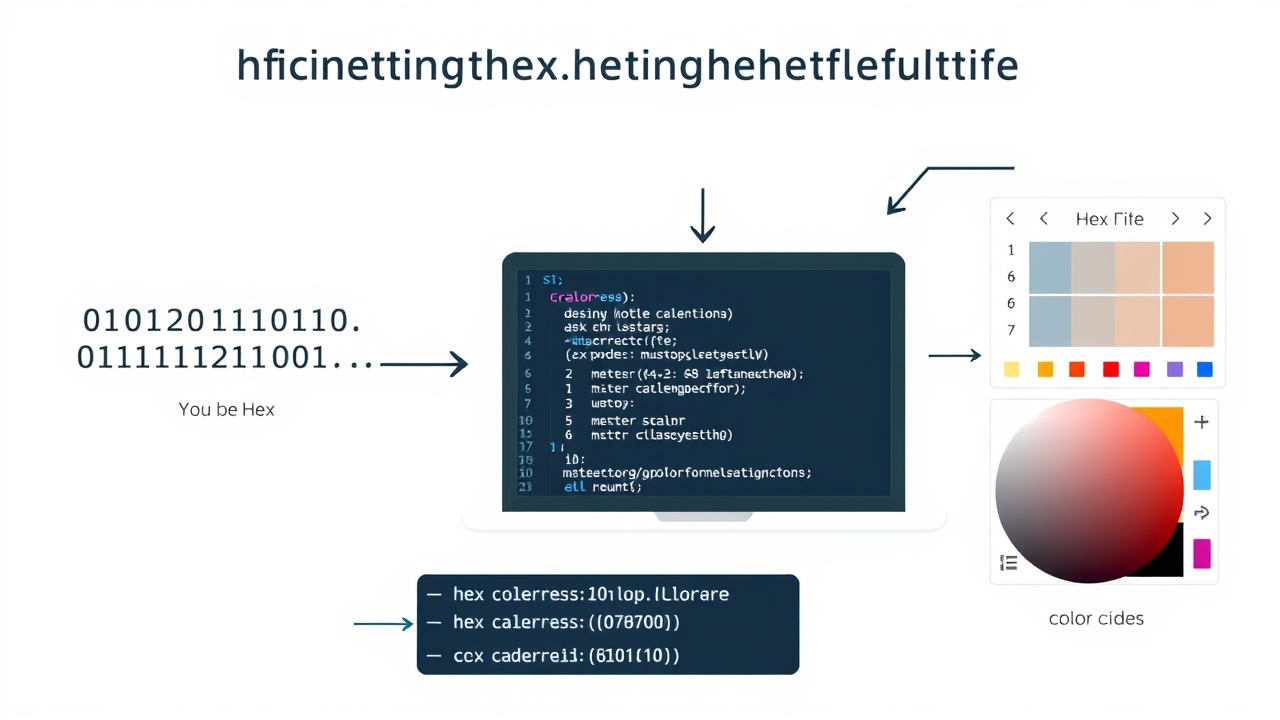
Why Hexadecimal Matters: The Bridge Between Binary and Human-Readable Code
Hexadecimal (hex) is the unsung hero of programming, acting as a middle ground between the raw binary language of computers and the decimal system humans understand. While binary uses only 0s and 1s, hexadecimal uses 16 distinct symbols (0-9 and A-F), making it far more compact and readable. This efficiency is why hex is widely used in memory addresses, color codes, machine instructions, and debugging tools. Without hex, developers would be drowning in endless strings of binary digits, struggling to make sense of system operations or memory layouts. Understanding hex isn’t just about memorizing symbols—it’s about gaining a deeper insight into how computers process and store data, which is crucial for low-level programming, debugging, and system design.
Binary to Hex: The Step-by-Step Conversion Process
Converting binary to hexadecimal is simpler than it seems, thanks to a straightforward grouping method. Each hex digit represents exactly four binary digits (bits), a group known as a nibble. To convert binary to hex, start by splitting the binary number into groups of four bits, starting from the right. If the total number of bits isn’t a multiple of four, pad the left side with zeros. Then, replace each 4-bit group with its corresponding hex digit. For example, the binary number 110101101011 becomes 0110 1011 0101 1111 after padding, which converts to 6B5F in hex. This method works in reverse too—convert hex to binary by expanding each hex digit into its 4-bit binary equivalent.
Real-World Analogies to Demystify Hexadecimal
To grasp hex intuitively, think of it as a shorthand for binary. Imagine binary as a long string of 1s and 0s, like a barcode on a product. Hex is like the product code—shorter and easier to read, yet still uniquely identifies the exact item. Another analogy is color codes in web design: #FF5733 represents a shade of orange. Here, FF (255 in decimal) defines the red component, 57 the green, and 33 the blue. This compact representation would be cumbersome in binary (11111111 01010111 00110011), proving hex’s power in simplifying complex data. These analogies help bridge the mental gap between abstraction and practical use.
Common Pitfalls and How to Avoid Them
- Assuming hex and decimal are interchangeable without conversion: Hex is base-16, decimal is base-10—misusing them leads to incorrect calculations. Always verify conversions using trusted tools or formulas.
- Ignoring case sensitivity: Hex digits A-F are case-insensitive in most programming languages (e.g., ‘a’ equals ‘A’), but some systems treat them differently. Stick to uppercase for consistency unless specified.
- Padding errors in binary-to-hex conversion: Forgetting to pad binary numbers to groups of four bits results in incorrect hex values. Always ensure proper grouping before conversion.
- Overlooking hex in debugging: Developers often ignore hex dumps or memory addresses, focusing solely on high-level code. Hex is essential for diagnosing memory issues, buffer overflows, and pointer errors.
- Misinterpreting hex prefixes: In programming, hex values are often prefixed with ‘0x’ (e.g., 0xFF). Forgetting the prefix can cause syntax errors or misinterpretations in code.
Hexadecimal in Memory Addressing and Debugging
Memory addresses in computers are typically represented in hexadecimal, which provides a compact and readable format for identifying locations in RAM or storage. For instance, instead of writing a 32-bit address like 11010010101010101100110010011011, hex simplifies it to D2ACCC9B. This is invaluable for debugging tools like GDB (GNU Debugger), where developers inspect memory contents, stack traces, and register values. Hex dumps—series of hex values representing raw memory—are also critical in reverse engineering and forensic analysis. Understanding how to read and interpret these addresses empowers developers to diagnose issues faster and optimize memory usage.
Practical Applications: Where Hexadecimal Shines
- Graphics and Design: Hex color codes (e.g., #FFFFFF for white) are universal in web and UI design, enabling precise color control without binary complexity.
- Assembly and Machine Code: Low-level programming languages like assembly use hex to represent opcodes and operands, making instructions more manageable.
- File Formats: Many file formats (e.g., PNG, JPEG, PDF) store metadata and headers in hex, allowing developers to parse or modify files programmatically.
- Networking Protocols: Hex is used to represent packet headers, MAC addresses, and checksums, providing a standardized way to communicate binary data across networks.
- Cryptography: Encryption keys, hashes, and ciphertexts are often represented in hex for readability and interoperability between systems.
Code Examples: Hex in Action
// C++ example: Converting decimal to hex

#include

#include

int main() {

    int decimalNumber = 255;

    std::cout << "Decimal: " << decimalNumber << std::endl;
    std::cout << "Hexadecimal (uppercase): " << std::hex << std::uppercase << decimalNumber << std::endl;
    std::cout << "Hexadecimal (lowercase): " << std::hex << decimalNumber << std::endl;
    return 0;
}

// Python example: Binary to hex conversion
binary_str = "110101101011"
hex_value = hex(int(binary_str, 2))
print(f"Binary {binary_str} in hex: {hex_value[2:].upper()}")  // Output: DBB

// JavaScript example: Hex to RGB conversion
function hexToRgb(hex) {
    const r = parseInt(hex.slice(1, 3), 16);
    const g = parseInt(hex.slice(3, 5), 16);
    const b = parseInt(hex.slice(5, 7), 16);
    return { r, g, b };
}
console.log(hexToRgb("#FF5733"));  // Output: { r: 255, g: 87, b: 51 }
Optimizing System Design with Hexadecimal Knowledge
System designers leverage hexadecimal to optimize performance, memory usage, and communication protocols. For example, in embedded systems, registers are often accessed using hex addresses, allowing precise control over hardware components like GPIO pins or timers. In networking, hex is used to format MAC addresses (e.g., 00:1A:2B:3C:4D:5E) and checksums, ensuring data integrity during transmission. Additionally, hexadecimal simplifies the representation of large binary numbers in documentation, making it easier for teams to collaborate and review system architectures. By mastering hex, developers can write more efficient, readable, and maintainable code, reducing errors and improving collaboration across technical teams.
Tools and Resources for Mastering Hexadecimal
- Online Converters: Websites like RapidTables, CalculatorSoup, and BinaryHexConverter offer instant binary-to-hex and hex-to-decimal conversions.
- Debugging Tools: GDB (GNU Debugger), WinDbg, and Hex Editors (e.g., HxD) provide hex dumps and memory inspection capabilities.
- IDEs and Editors: VS Code, Sublime Text, and JetBrains IDEs support hex highlighting and conversion plugins for developers.
- Programming Libraries: Many languages offer built-in functions or libraries for hex operations (e.g., Python’s `hex()`, JavaScript’s `parseInt(hex, 16)`).
- Books and Courses: Resources like ‘Code: The Hidden Language of Computer Hardware and Software’ by Charles Petzold and online courses on Coursera or Udemy cover hex in depth.
Final Thoughts: Embrace Hex for Smarter Development
Hexadecimal isn’t just another programming concept—it’s a fundamental tool that bridges the gap between human intuition and machine efficiency. By mastering hex, you unlock the ability to read memory addresses, debug low-level code, design systems with precision, and optimize performance. Whether you're working in web development, embedded systems, cybersecurity, or data engineering, hex is your ally in writing smarter, cleaner, and more efficient code. Start practicing conversions today, explore debugging tools, and integrate hex into your workflow. The time you invest in understanding hex will pay dividends in your development career, saving hours of frustration and opening doors to advanced technical challenges.
Keywords:
hexadecimal conversion, binary to hex, hexadecimal in programming, memory addressing, debugging with hex, system design basics, developer tools, code optimization, low-level programming, hexadecimal examples,





