Category: Technology & Innovation
Tags:AI documentation, functional documentation, LLM agents, production-ready artifacts, requirements management, automated testing, Jira integration, Gemma 4, prompt engineering, software development, agile documentation, QA test cases, risk matrices, software engineering,
Introduction: The Chaos of Raw Requirements and the Need for Structured Documentation
In today’s fast-paced software development landscape, raw requirements often arrive in fragmented, ambiguous, or unstructured formats—think scattered emails, disorganized meeting notes, or hastily written user requests. These unrefined inputs create bottlenecks, leading to miscommunication, scope creep, and delayed releases. Traditional documentation methods, reliant on manual effort, fail to scale with the speed of modern development. AI-powered functional documentation emerges as the solution, leveraging advanced large language models (LLMs) like Gemma 4 to convert chaotic raw inputs into structured, production-ready artifacts. This transformation not only saves time but also ensures consistency, reduces errors, and aligns teams across the development lifecycle.
#AI #SoftwareEngineering #Documentation #DeveloperExperience #GenAI #Softved
Why Traditional Documentation Falls Short in Modern Development
- Manual documentation is time-consuming and prone to human error, leading to inconsistencies and outdated artifacts.
- Unstructured requirements often result in ambiguous user stories, causing misalignment between developers, testers, and product teams.
- Scaling documentation for large or distributed teams becomes a logistical nightmare, especially when requirements evolve rapidly.
- Traditional methods lack integration with agile tools like Jira, resulting in siloed workflows and redundant data entry.
- Poor documentation leads to higher defect rates, as developers and QA teams struggle to interpret unclear or missing acceptance criteria.
The AI-Powered Documentation Pipeline: A Step-by-Step Breakdown
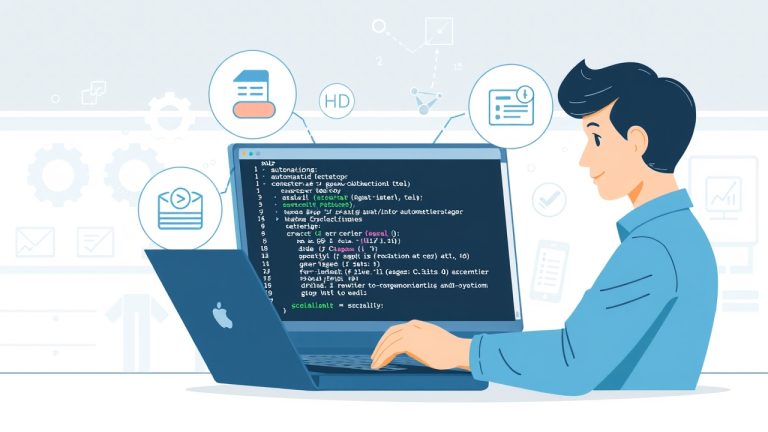
Building an AI-driven system for functional documentation requires a well-designed pipeline that processes raw inputs into structured outputs. The pipeline typically consists of several key stages: input preprocessing, AI model processing (using LLMs like Gemma 4), post-processing validation, and integration with development tools. Each stage plays a critical role in ensuring accuracy, scalability, and usability. Below, we explore the architecture and workflow of such a system, along with the tools and techniques required to implement it effectively.
Step 1: Input Preprocessing – Cleaning and Structuring Raw Requirements
The first step in the AI-powered documentation pipeline is to preprocess raw requirements to make them suitable for LLM processing. This involves cleaning unstructured data, extracting key information, and organizing it into a standardized format. Techniques like natural language processing (NLP) can identify entities (e.g., users, features, constraints) and relationships between them. For example, an email containing a feature request can be parsed to extract the core requirement, user personas, and expected outcomes. Tools like spaCy or Hugging Face’s transformers can automate this extraction, reducing manual effort and ensuring consistency. Additionally, preprocessing may include normalizing terminology, resolving ambiguities, and enriching inputs with metadata (e.g., priority, source, context) to provide the AI model with richer context.
Step 2: Core AI Processing – Converting Raw Inputs into Structured Artifacts
At the heart of the AI-powered documentation system lies the LLM, such as Google’s Gemma 4, which processes preprocessed inputs to generate structured outputs like user stories, acceptance criteria, and test cases. Prompt engineering plays a pivotal role here—crafting prompts that guide the LLM to produce relevant, accurate, and actionable artifacts. For instance, a prompt might instruct the model to “Generate a user story for a feature that allows users to reset their password, including acceptance criteria and edge cases.” The LLM then parses the cleaned input, applies its trained knowledge, and outputs a structured response. To enhance accuracy, techniques like few-shot learning (providing examples in the prompt) or fine-tuning the model on domain-specific data can be employed. This ensures that the AI-generated content aligns with organizational standards and business logic.
Step 3: Generating Production-Ready Artifacts – From Stories to Test Cases
Once the AI model generates raw structured outputs, the next step is to transform these into production-ready artifacts that integrate seamlessly with development tools. This includes converting user stories into Jira-compatible tickets, generating acceptance criteria for developers, and creating QA test cases for validation. For example, the LLM might output a user story like: “As a user, I want to reset my password so that I can regain access to my account.” The system then enriches this with acceptance criteria (e.g., “Password reset link expires in 24 hours”) and generates corresponding QA test cases (e.g., “Verify that the password reset link is invalid after 24 hours”). Automation tools like Python scripts or workflow orchestrators (e.g., Apache Airflow) can handle this transformation, ensuring that the artifacts are both machine-readable and human-understandable.
Step 4: Validating AI-Generated Content for Accuracy and Completeness
AI-generated documentation is only as reliable as its validation process. To ensure accuracy, the system must incorporate validation techniques such as human-in-the-loop review, automated testing, and cross-referencing with existing artifacts. For example, a QA team might review AI-generated test cases to ensure they cover all edge cases, while developers validate user stories against technical feasibility. Additionally, the system can use tools like Ragas or TruLens to evaluate the quality of LLM outputs based on metrics like relevance, coherence, and factual accuracy. By combining automated checks with human oversight, teams can mitigate the risk of incorrect or incomplete documentation.
Step 5: Integration with Development Ecosystems – Jira, Confluence, and Beyond
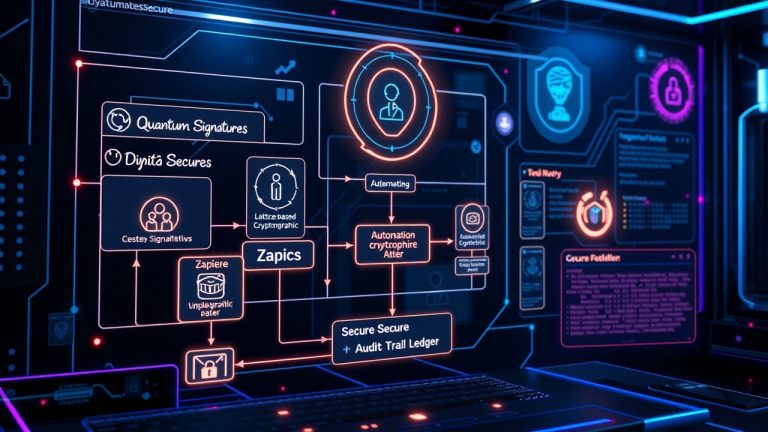
For an AI-powered documentation system to deliver value, it must integrate seamlessly with existing development tools like Jira, Confluence, or GitHub. This integration ensures that artifacts flow directly into the tools teams use daily, reducing manual effort and eliminating data silos. For example, an AI-generated user story can be automatically pushed to Jira as a ticket, complete with acceptance criteria and linked test cases. API-based integrations or custom plugins can facilitate this process. Tools like Zapier or custom scripts can also be used to bridge gaps between systems. By embedding AI documentation into the development workflow, teams can achieve end-to-end automation, from requirements gathering to deployment.
Step 6: Scaling the System – Handling Complexity and Evolving Requirements
Scalability is a critical consideration for any AI-powered documentation system. As requirements grow in complexity or volume, the system must adapt without compromising performance or accuracy. Techniques like modular architecture, where different components (e.g., input preprocessing, LLM processing, output generation) are decoupled, allow for easier scaling. Cloud-based solutions (e.g., AWS SageMaker, Google Vertex AI) can handle increased computational loads, while containerization (e.g., Docker) ensures consistency across environments. Additionally, the system should support continuous learning—fine-tuning the LLM on new data to improve its understanding of domain-specific terminology or business logic. By designing for scalability, teams can future-proof their documentation pipeline and accommodate evolving project needs.
Prompt Engineering: Crafting the Right Inputs for Optimal AI Outputs
The quality of AI-generated documentation hinges on the prompts fed into the LLM. Effective prompt engineering involves designing prompts that provide clear instructions, context, and examples to guide the model toward accurate outputs. For instance, a poorly crafted prompt like “Generate a user story” might yield vague results, whereas a detailed prompt like “Generate a user story for a feature that allows users to export data in CSV format, including acceptance criteria for file formatting and error handling” will produce more actionable outputs. Techniques like role prompting (e.g., “Act as a product owner”), few-shot prompting (providing examples), and constraint-based prompting (e.g., “Limit the user story to 10 words”) can significantly enhance prompt effectiveness. Teams should experiment with different prompt structures and iterate based on feedback to refine their AI system.
Deployment Strategies: From Prototyping to Production
Deploying an AI-powered documentation system requires careful planning to transition from a prototype to a production-ready solution. Start with a proof-of-concept (PoC) to validate the system’s feasibility and gather initial feedback. This can be done using a subset of requirements or a single project. Once validated, the system can be deployed in stages—first as a pilot for a small team, then scaled to the entire organization. Key considerations include performance optimization (e.g., reducing latency in AI processing), security (e.g., ensuring data privacy for sensitive requirements), and monitoring (e.g., tracking errors or misalignments in generated artifacts). Cloud platforms like AWS or Azure offer scalable infrastructure, while tools like Kubernetes can manage containerized deployments. By adopting a phased deployment approach, teams can minimize risks and ensure a smooth rollout.
Case Study: Real-World Implementation of AI-Powered Documentation
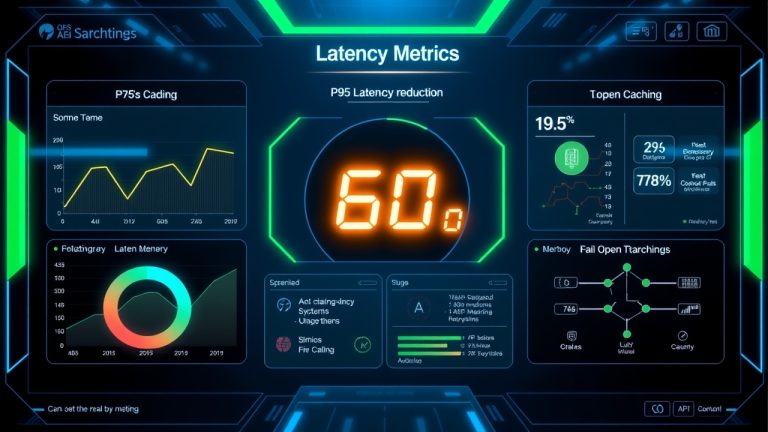
A mid-sized software company faced challenges with inconsistent documentation, leading to frequent misunderstandings between product and engineering teams. By implementing an AI-powered documentation system using Gemma 4, they automated the generation of user stories, acceptance criteria, and test cases from raw requirements. The system reduced documentation time by 60% and improved Jira ticket quality, resulting in a 30% decrease in post-release defects. Key lessons learned included the importance of fine-tuning the LLM on domain-specific data and integrating the system with existing workflows to maximize adoption. This case study highlights the tangible benefits of AI-driven documentation in real-world scenarios.
Best Practices for Building a Robust AI Documentation System
- Start with a clear understanding of your requirements and the types of artifacts you need (e.g., user stories, test cases).
- Invest in prompt engineering to ensure the LLM generates accurate and relevant outputs tailored to your business logic.
- Prioritize validation through human-in-the-loop reviews and automated testing to maintain high standards.
- Design the system for scalability by decoupling components and leveraging cloud-based infrastructure.
- Integrate the AI system with existing tools (e.g., Jira, Confluence) to embed it seamlessly into your workflow.
- Monitor performance and gather feedback to continuously improve the system’s accuracy and usability.
- Ensure compliance with data privacy regulations by anonymizing sensitive inputs during processing.
Common Pitfalls and How to Avoid Them
- Over-reliance on AI without human oversight can lead to inaccuracies or misaligned artifacts—always include validation steps.
- Poorly designed prompts result in vague or irrelevant outputs; invest time in crafting detailed, role-specific prompts.
- Ignoring scalability can bottleneck the system as requirements grow; design for modularity and cloud readiness from the start.
- Lack of integration with existing tools creates data silos; prioritize API-based or plugin-based integrations.
- Neglecting continuous learning means the system may become outdated; regularly fine-tune the LLM on new data.
The Future of AI in Documentation: Trends and Innovations
The future of AI-powered documentation is poised for rapid evolution, with emerging trends like multimodal LLMs (processing text, images, and code), real-time collaboration tools, and self-healing documentation systems. Multimodal LLMs can analyze requirements from diverse sources (e.g., screenshots, flowcharts) to generate richer artifacts. Real-time collaboration tools, such as AI-assisted editing platforms, will enable teams to co-create documentation dynamically. Meanwhile, self-healing systems—using reinforcement learning—can automatically update documentation when requirements change or errors are detected. As AI models become more advanced, the line between raw input and production-ready output will blur, enabling even faster and more accurate software delivery.
Conclusion: Transforming Documentation from a Bottleneck to a Strategic Advantage
AI-powered functional documentation represents a paradigm shift in how teams handle requirements, transforming a traditionally manual and error-prone process into a scalable, automated, and intelligent workflow. By leveraging LLMs like Gemma 4, organizations can bridge the gap between raw inputs and production-ready artifacts, ensuring consistency, reducing errors, and accelerating development cycles. The key to success lies in designing a robust pipeline, prioritizing validation, and integrating the system into existing workflows. As AI continues to advance, the potential for automation in documentation will only grow, offering teams a strategic advantage in delivering high-quality software faster and more efficiently.